
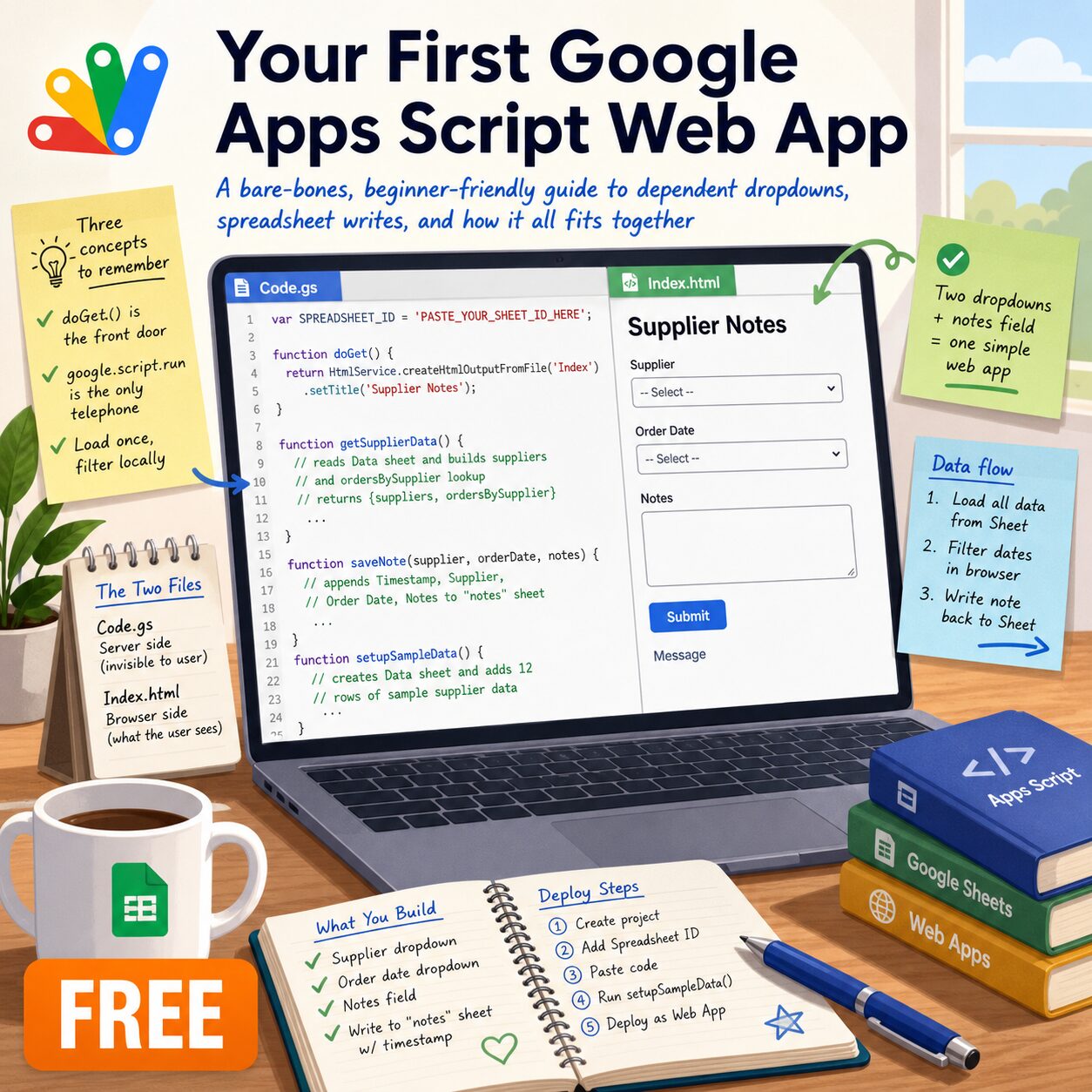
Stop Managing Spreadsheets and Start Building Apps.
If you have ever wanted to turn a Google Sheet into a real web application but didn’t know where to start, this guide is for you. “Your First Google Apps Script Web App” is a no-fluff, zero-intimidation resource designed specifically for beginners.
Instead of overwhelming you with complex coding architecture, this guide focuses on the absolute minimum code needed to build a working bridge between a browser form and a Google Sheet.
What You Will Build:
- A Custom Web Page: A clean interface with two dropdown boxes and a notes field.
- Dependent Dropdowns: A dynamic feature where the second list (dates) automatically updates based on your first selection (supplier).
- Live Spreadsheet Integration: A functional submission form that appends data and timestamps directly to your Google Sheet tab.
Key Learning Features:
- The “Kitchen” vs. The “Menu”: Understand the difference between Server-Side (
Code.gs) and Client-Side (Index.html) code and how they communicate. - Mastering
google.script.run: Learn the fundamental “telephone line” that allows your browser to talk to Google’s servers. - Asynchronous Data Loading: Discover how to fetch data in the background to make your app feel fast and professional.
- Step-by-Step Deployment: Clear, simple instructions on setting up your project, managing permissions, and deploying your app to the live web.
Why Choose This Guide?
Every line of code in this resource is there for a reason. It is the perfect “sandbox” environment to read it, run it, break it, and learn from it. By the time you finish, you will have the core foundation needed to build virtually any custom automation or tool within the Google Workspace ecosystem.
- Note: This resource is intended for educational purposes. It focuses on core concepts and logic rather than production-level security or styling, making it the ideal first step for any aspiring developer or educator.*
Reviews
There are no reviews yet.