
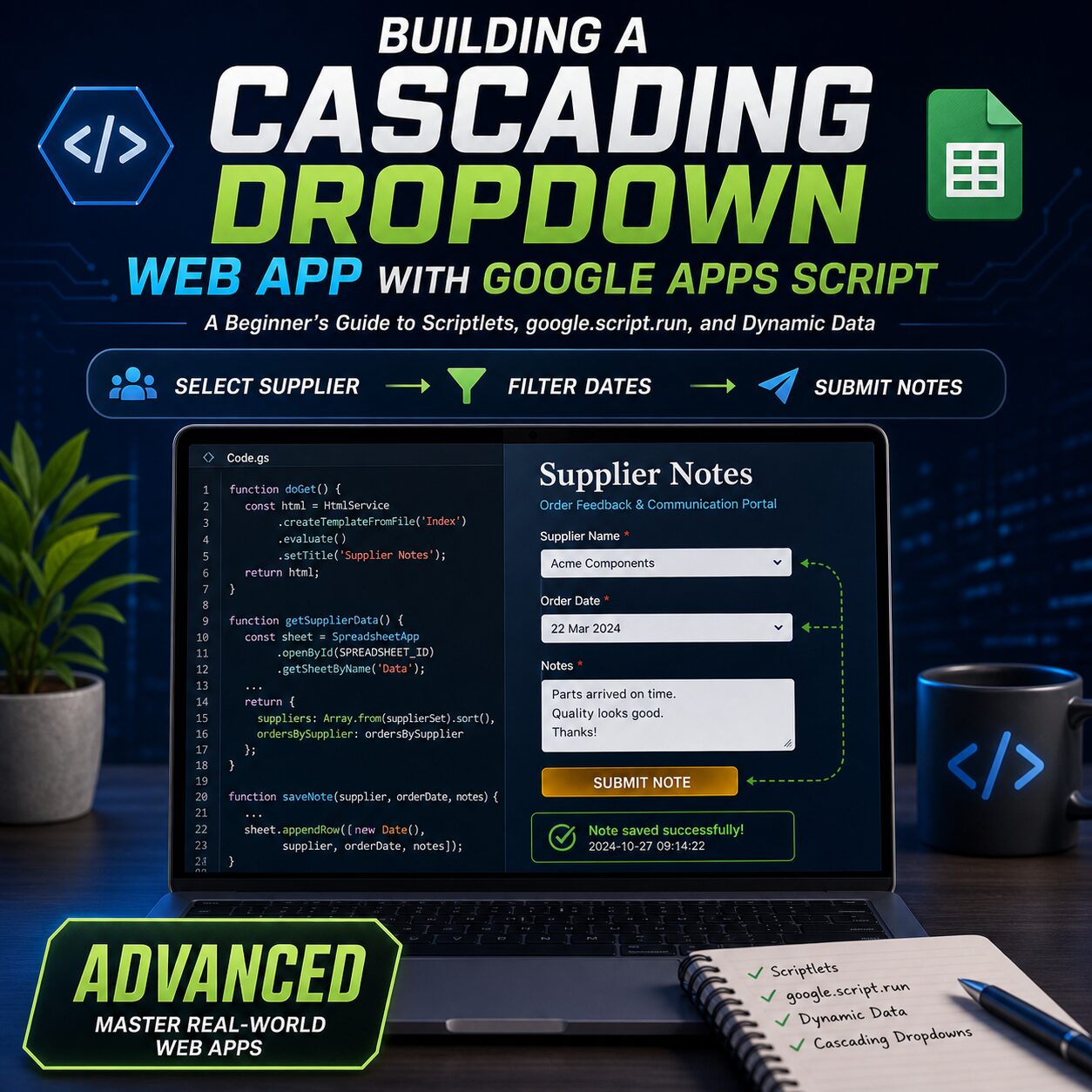
Ready to build something a little more “pro”?
If you’ve mastered the basics of Google Sheets and are ready to create a truly interactive tool, the Supplier Notes App guide is your roadmap. This isn’t just about making things work—it’s about making them work the right way.
This guide dives deep into the architecture of a professional-feeling web app, focusing on the “Cascading Dropdown” effect that everyone wants but few know how to build correctly in Apps Script.
What’s Inside the Box:
- The “Big Picture” Architecture: Learn exactly how the “Server Side” (Google) and the “Client Side” (Browser) talk to each other.
- Separation of Concerns: Discover how to keep your project organized by keeping your HTML, CSS, and JavaScript in separate, manageable files.
- Cascading Logic: Master the logic behind “dependent dropdowns”—where selecting a supplier instantly filters the available order dates in the next menu.
- Real-Time Data Writing: Build a robust submission system that sends user notes directly to your spreadsheet with built-in feedback indicators (Loading, Success, and Error states).
Advanced Concepts Made Simple:
- Scriptlets: Use
<?!= ... ?>to pass data directly from your spreadsheet into your HTML template. - State Management: Learn how to use JavaScript to manage “Loading” and “Saved” states so the user always knows what the app is doing.
- Data Sanitization: A brief look at keeping your app safe by escaping special characters.
- The
google.script.runEngine: Deepen your understanding of the “magic bridge” that connects your browser to your Google Sheet data.
Who is this for?
This guide is perfect for the “Advanced Beginner”—someone who knows their way around a spreadsheet and a little HTML, but wants a clear, step-by-step mental model of how to build a cohesive, multi-file web application.
- What You Get: A comprehensive PDF guide plus all the source code (Code.gs, Index.html, JavaScript.html, and CSS.html) ready for you to copy, paste, and customize.*



Reviews
There are no reviews yet.